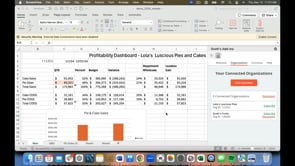
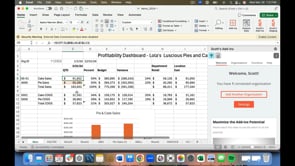
9/3/25 Best practices for sharing your workbook with others. Previous How to drill down to transaction detail. Next How to use the VAL feature to convert cells with =SCOTT functions, to values. You Might Also Like How to disconnect and reconnect an organization to your workbook. A comprehensive training video for Scott's add-in. How to drill down to transaction detail. How to add a delegate QuickBooks user How to forecast cash using the add-in.
9/3/25 Best practices for sharing your workbook with others. Previous How to drill down to transaction detail. Next How to use the VAL feature to convert cells with =SCOTT functions, to values. You Might Also Like How to disconnect and reconnect an organization to your workbook. A comprehensive training video for Scott's add-in. How to drill down to transaction detail. How to add a delegate QuickBooks user How to forecast cash using the add-in.