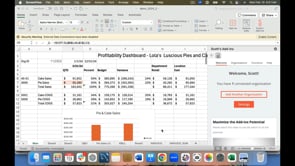
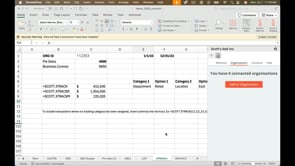
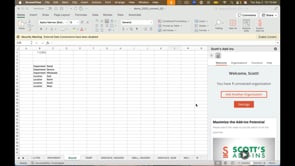
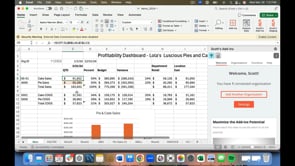
10/18/21 How to disconnect and reconnect an organization to your workbook. Previous How to maintain your subscription and billing info. Next How to add a delegate QuickBooks user You Might Also Like How to use the VAL feature to convert cells with =SCOTT functions, to values. Best practices for sharing your workbook with others. How to maintain your subscription and billing info. How to drill down to transaction detail. How to use the =SCOTT.LIST function to generate lists of parameters to feed other functions.
10/18/21 How to disconnect and reconnect an organization to your workbook. Previous How to maintain your subscription and billing info. Next How to add a delegate QuickBooks user You Might Also Like How to use the VAL feature to convert cells with =SCOTT functions, to values. Best practices for sharing your workbook with others. How to maintain your subscription and billing info. How to drill down to transaction detail. How to use the =SCOTT.LIST function to generate lists of parameters to feed other functions.