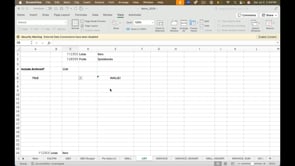
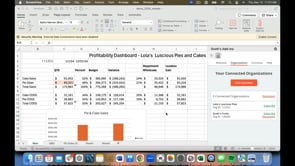
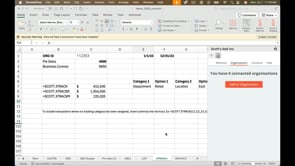
9/3/25 How to use the various SCOTT functions for accessing budgets in QuickBooks. Previous How to use the =SCOTT.XGLTRX function to display an array of Xero journal transactions. Next How to use the =SCOTT.LIST function to generate lists of parameters to feed other functions. You Might Also Like How to use the =SCOTT.LIST function to generate lists of parameters to feed other functions. How to disconnect and reconnect an organization to your workbook. Best practices for sharing your workbook with others. A comprehensive training video for Scott's add-in. How to maintain your subscription and billing info.
9/3/25 How to use the various SCOTT functions for accessing budgets in QuickBooks. Previous How to use the =SCOTT.XGLTRX function to display an array of Xero journal transactions. Next How to use the =SCOTT.LIST function to generate lists of parameters to feed other functions. You Might Also Like How to use the =SCOTT.LIST function to generate lists of parameters to feed other functions. How to disconnect and reconnect an organization to your workbook. Best practices for sharing your workbook with others. A comprehensive training video for Scott's add-in. How to maintain your subscription and billing info.